
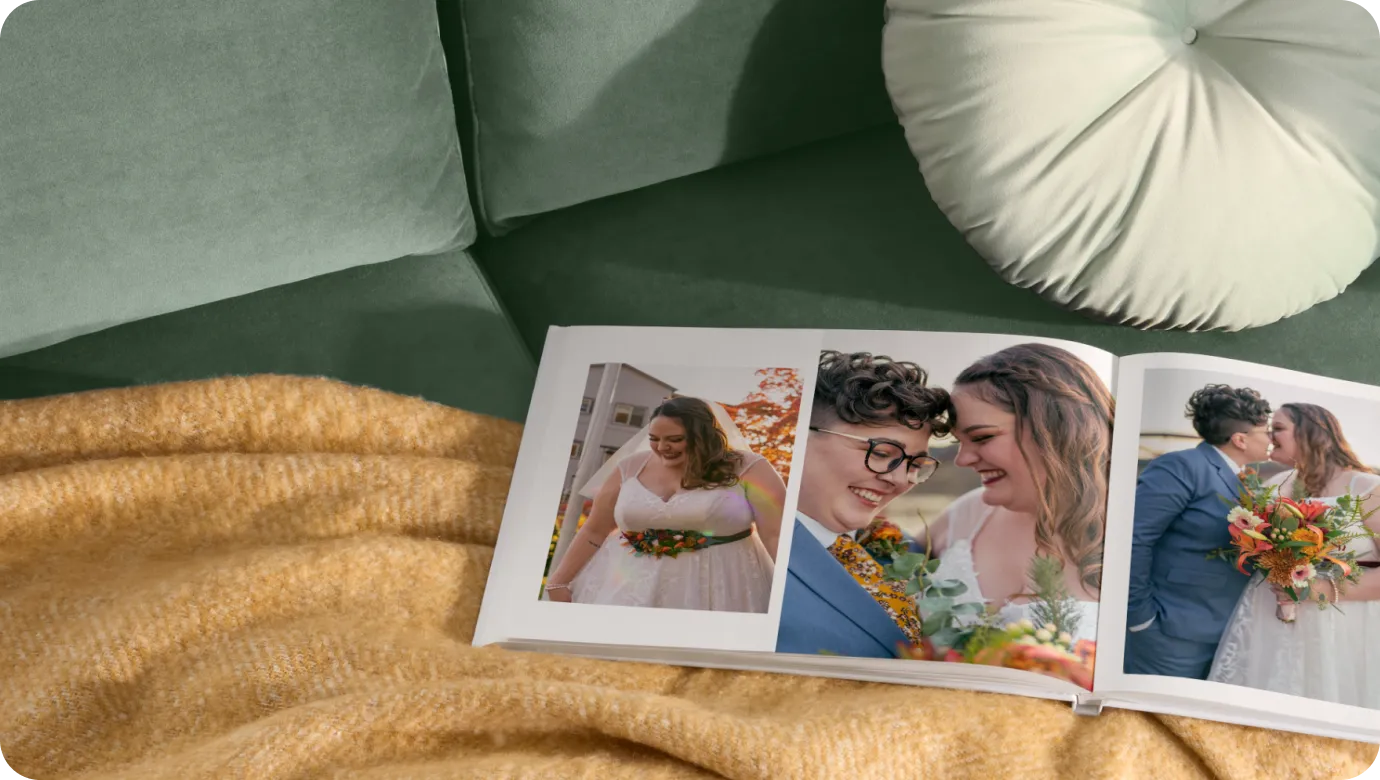


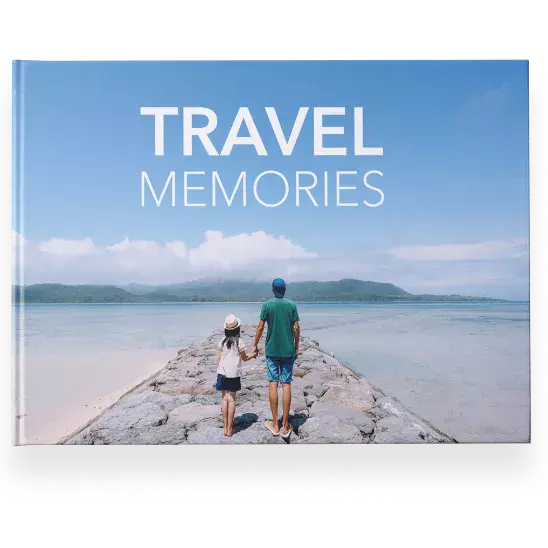
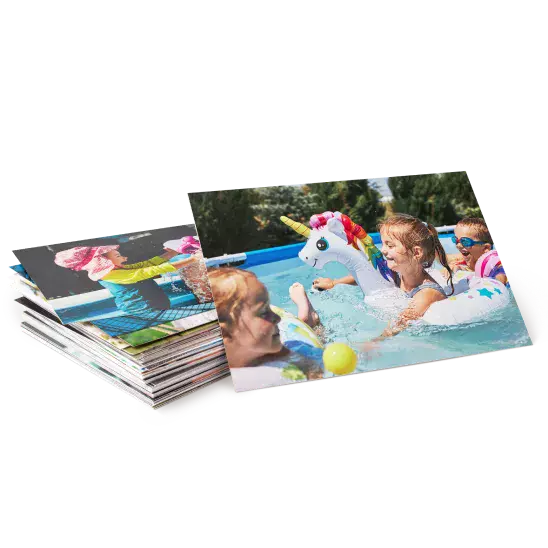
Transform your everyday photos into Photo Cards, Photo Books, Canvas Prints, and Photo Gifts
Every trip tells a story.
Turn vacation photos into gifts + décor inspired by your summer adventures.
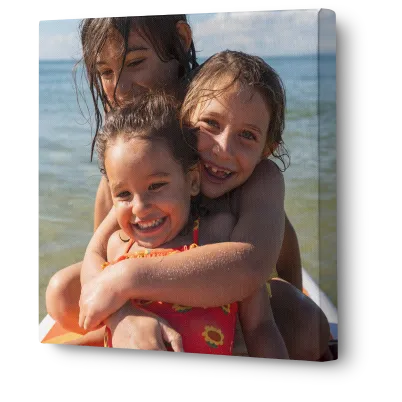

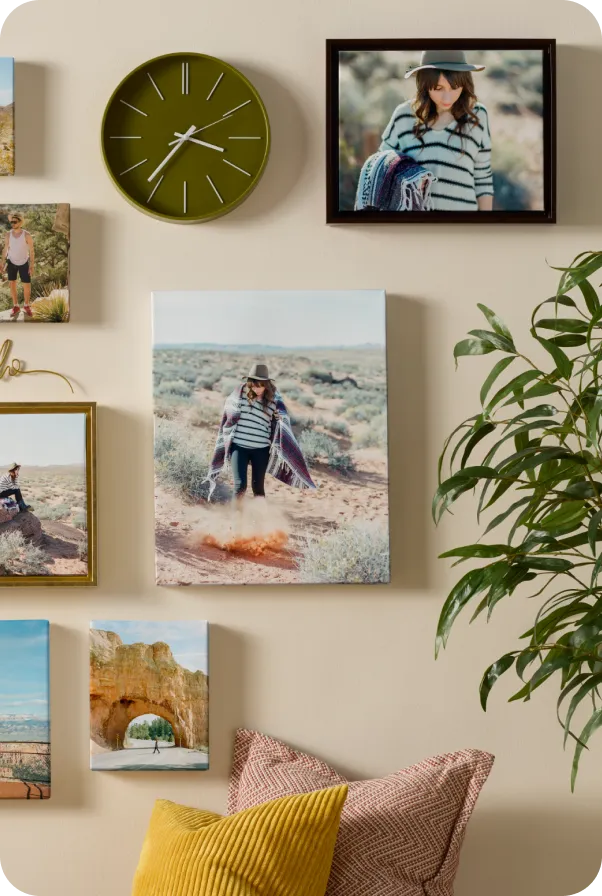
A quick home refresh
Find customizable décor that adds a fresh touch to your space.

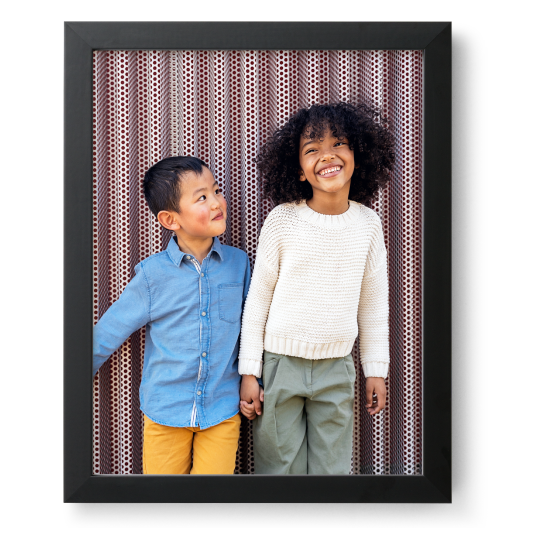
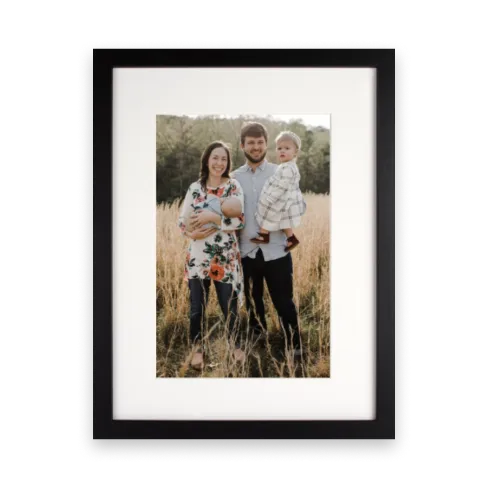


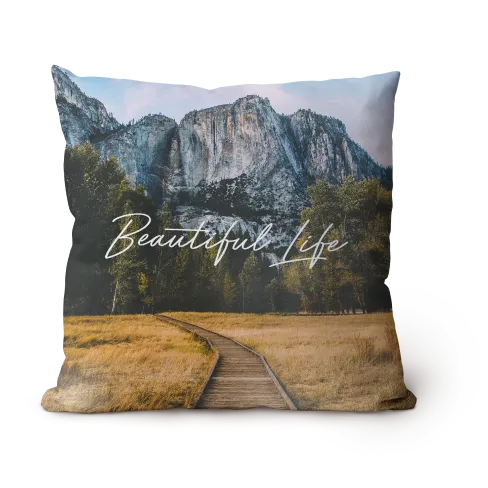
Snappy savings
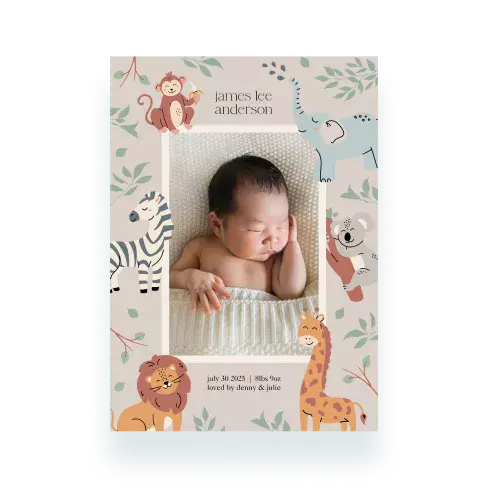
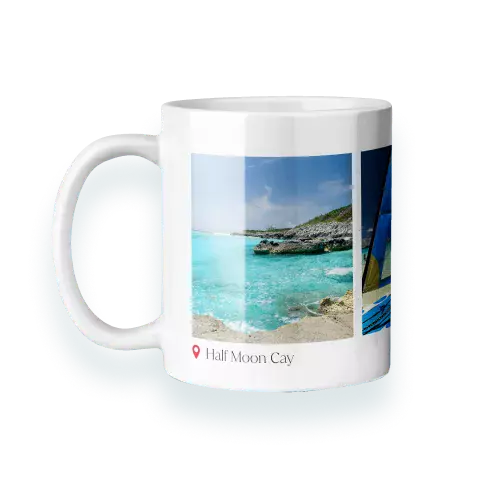
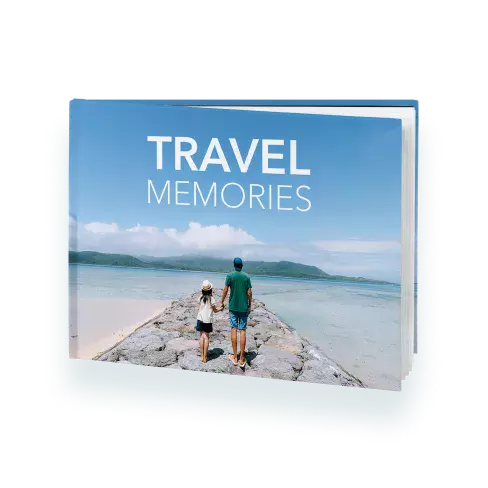
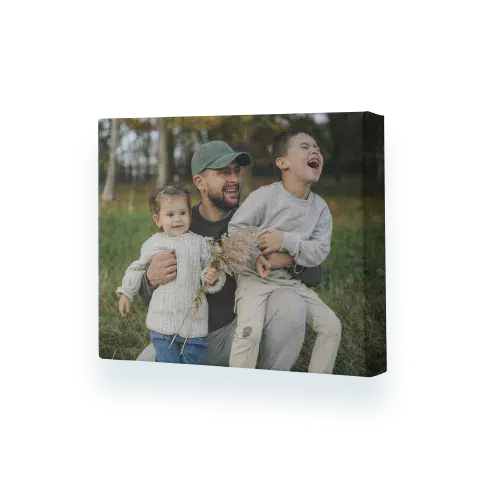
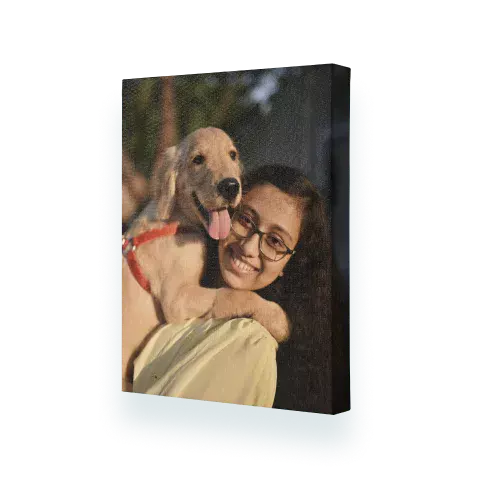

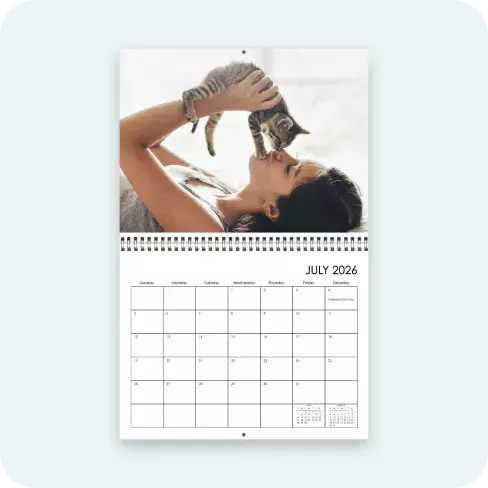
More products you’ll love



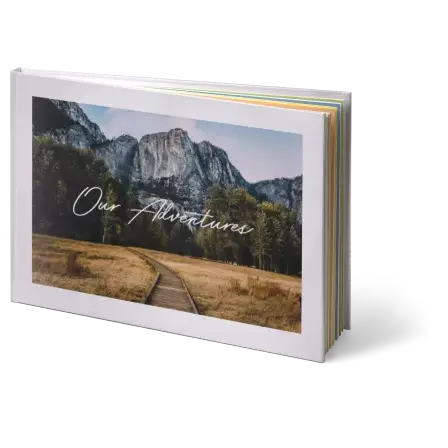


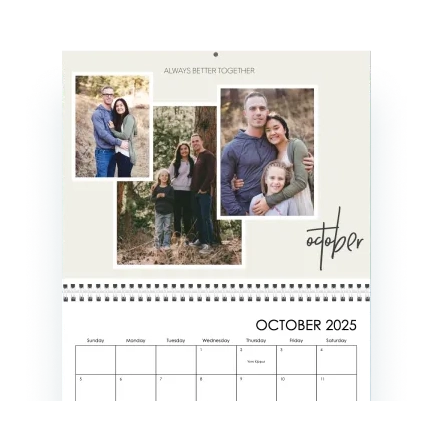

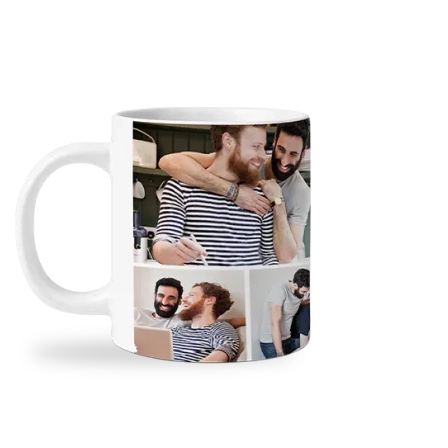
Need it today?
Order select prints, cards, gifts, and calendars for same-day pickup at your CVS or Walgreens.


Our Snapfish Promise
We make it easy, affordable, and fun to create magic out of any memory.
Ease
Make it in a snap.
Turning memories into magic? It’s a breeze with our intuitive tools and design templates.
Value
Priced to love.
Create keepsakes that wow—without the splurge. Because your photos deserve style and savings.
Quality
Every detail counts.
We select the finest papers, inks, and materials so your personalized items stand out and stand the test of time.
Guarantee
Trusted for 25 years.
With decades of experience, we stand behind every order—and if you’re not satisfied we’ll make it right.
Fun ways to create with Snapfish
print page name : home
print page url : /home
dcr path:
isFooterOff : true
isFooterOff1 : false
isItAmazonCobrand : false